 Mail
Mail
 Messages
 Office
 Notes
Notes
 Meet
Meet



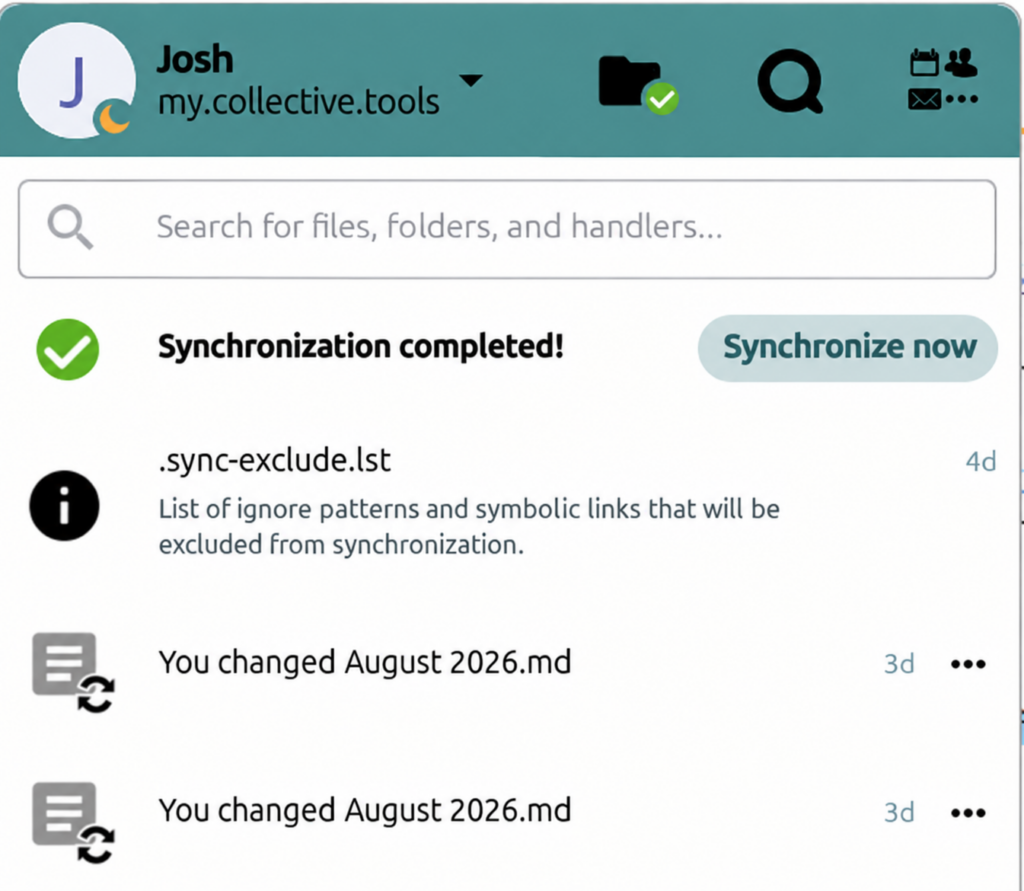
The Nextcloud desktop client lets you sync your Office files to your desktop.
- Download and install Nextcloud Desktop.
- Launch the client and click Log in.
- Enter the address of your Office installation (for personal accounts it is https://office.collective.tools) and click Next.
- A browser window opens, log in and click Grant access.
- Choose whether to Sync everything (downloads all files) or Use virtual files (files download when you open them).
- Click Connect.