 Mail
Mail
 Messages
 Office
 Notes
Notes
 Meet
Meet



Two-factor authentication
Two-factor authentication (2FA) protects your account with a one-time code in addition to your regular password. You need an authenticator app on your phone, such as Bitwarden or FreeOTP.
Enable 2FA:
- Open your Dashboard and go to Settings.
- Go to Account security and click Signing in.
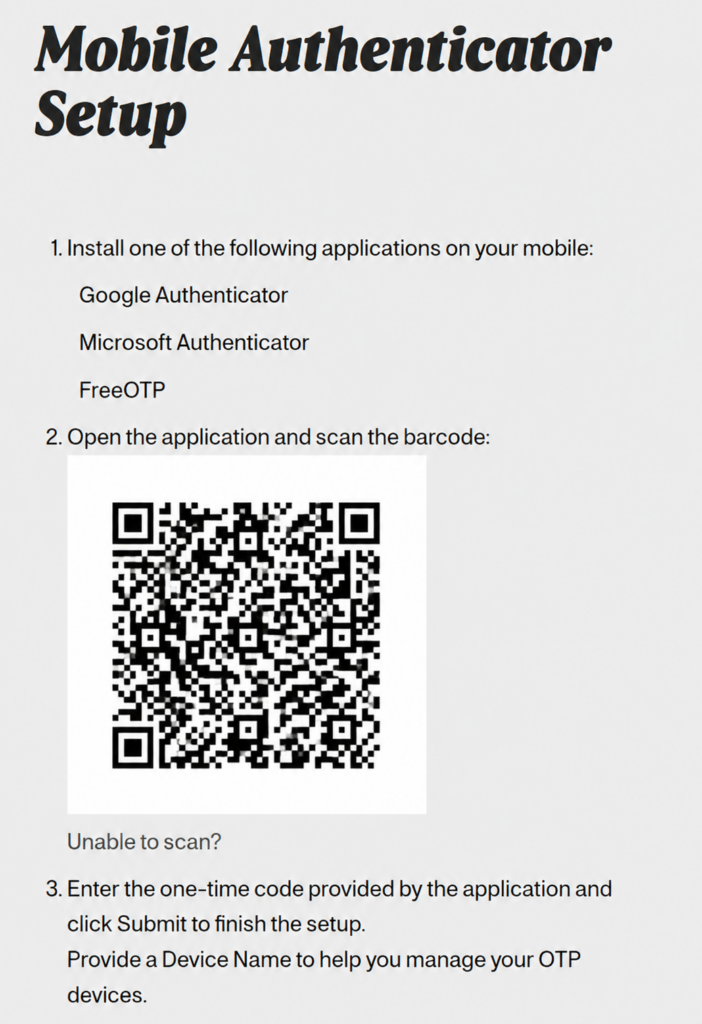
- Click Set up Authenticator application next to Authenticator application.
- You may need to confirm your password before continuing.
- Scan the QR code with your authenticator app.
- Enter the six-digit code shown in the app in the One-time code field, and a name for the login in Device Name.
- Click Submit.
Signing in with 2FA:
After entering your password, you’ll be asked for a code from your authenticator app. The code changes every 30 seconds.