 Mail
Mail
 Messages
 Office
 Notes
Notes
 Meet
Meet



Create and edit notes
You can create notes and edit them in real time together with others.
- Open Notes from your Dashboard.
- Click New document.
- Enter a name and click Create the document.
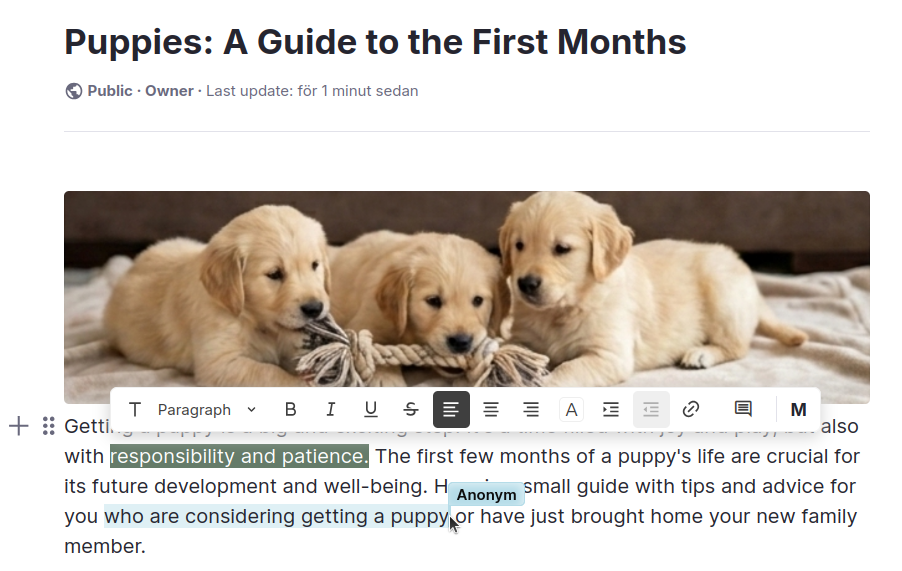
- Write and format text in the editor that opens.
Changes are saved automatically. Multiple people can edit the same note at the same time, and you can see their cursor in real time.