 Mail
Mail
 Messages
 Office
 Notes
Notes
 Meet
Meet



Log in
All standard services are available from your Dashboard, at https://dashboard.collective.tools.
The exceptions are Forum and Chat, where each organisation has their own web address.
If you’re not logged in, you’ll be redirected to the login page automatically.
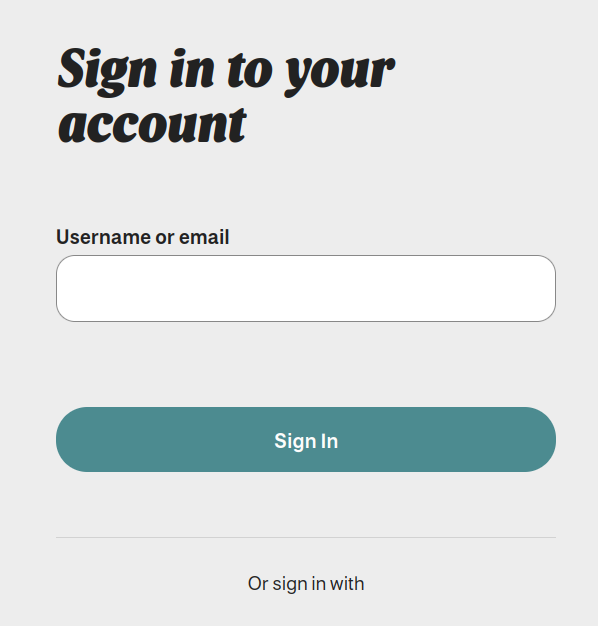
For personal accounts, enter your username (or email address) first, then your password on the next screen.
You’ll need to change your password the first time you log in.
If you have an organisation account, look for a login link under Or sign in with on the login page. Click it to go to your organisation’s own login page.
Forgotten your password? Click Forgot Password? below the password field to have a reset link sent to you.
Your mail password isn’t the same as your Dashboard password, so you can still access your mail account even without your Dashboard password. See the article on connecting to your mail account for details.