Mail
Mail
 Messages
 Office
 Notes
Notes
 Meet
Meet



Record a meeting
You can record a meeting and download the recording afterwards.
- Start the meeting.
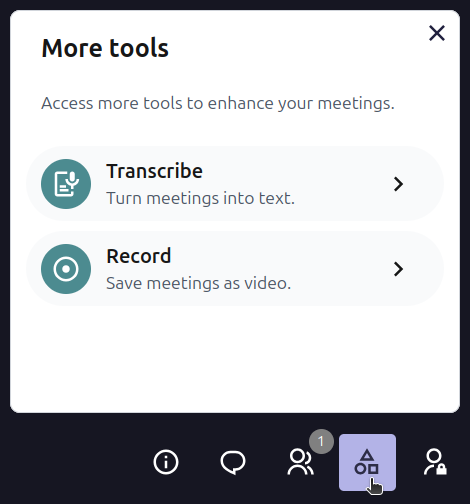
- Click the icon with geometric symbols for More tools.
- Click Start recording in the meeting toolbar.
- All participants are notified that the meeting is being recorded.
- Click Stop recording when you are done.
- The recording is saved as an .mp4 file. You will find the download link in the meeting room after the meeting has ended.
The recording is available for seven days. Download it before then.
Only the meeting organiser can start and stop the recording.