 Mail
Mail
 Messages
 Office
 Notes
Notes
 Meet
Meet



Room access settings
Meetings have three levels of openness.
- Open: Open to anyone with the exact link.
- Open to trusted people: Open to anyone with the link who is signed in with a Collective Tools account.
- Restricted: Participants need to request to join the meeting.
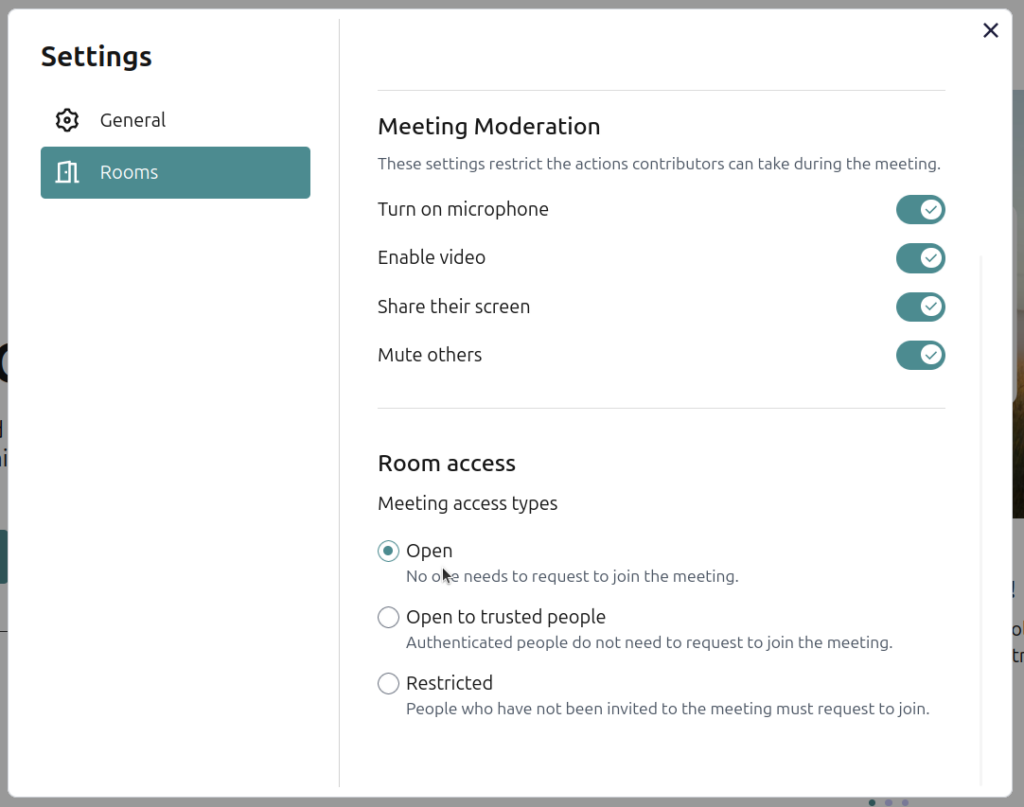
You can choose a default setting for new meetings:
- Click the gear icon in the top right corner of the Meet homepage.
- Select Rooms.
- Choose one of the three settings under Room access.
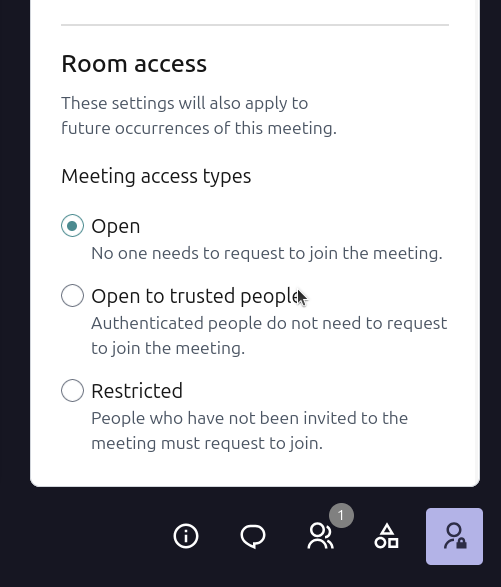
You can also set this for a specific meeting. You need to be signed in as the person who started it.
- Create a meeting for a later.
- Go to the meeting link.
- Click the icon with a person and a padlock in the corner.
- Choose one of the settings under Room access.
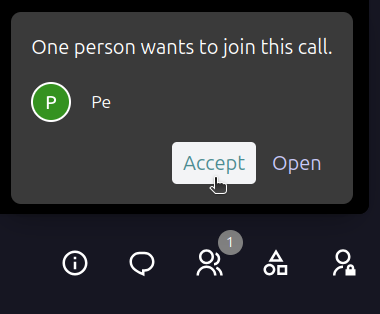
For Restricted, you will get a prompt to accept new people who wants to join the call.