Mail
Mail
 Messages
 Office
 Notes
Notes
 Meet
Meet



Start a meeting
You can start a meeting immediately or schedule one for later.
- Open Meet from your Dashboard.
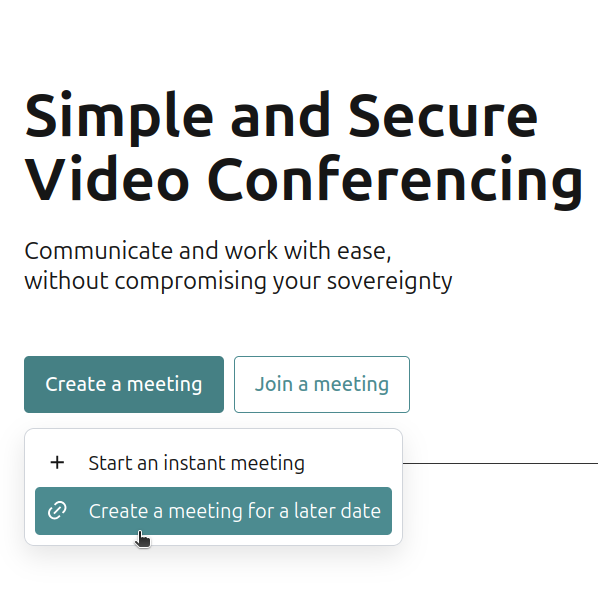
- Click Create a meeting.
- Choose one of the options:
- Start an instant meeting to begin right away. A pop-up shows a button for copying the meeting link. Click Copy link and share it with the other participants.
- Create a meeting for a later date to plan ahead. A window shows the meeting link. Copy and share it with the participants.
Participants just open the link in their browser, on mobile or desktop, no extra app needed.
The meeting room can be reused multiple times with the same link.