Mail
Mail
 Messages
 Office
 Notes
Notes
 Meet
Meet



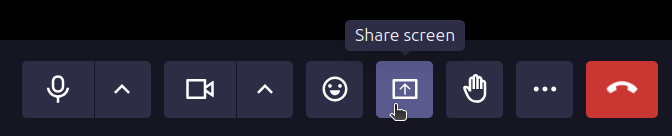
Share your screen
You can share your screen during a meeting to show content to other participants.
- Click Share screen in the meeting toolbar.
- Choose what you want to share:
- A single browser tab
- An application or window
- Your entire screen
- Confirm the selection in the dialog that opens.
- Click Stop sharing to end screen sharing.
Screen sharing is not available in the mobile browser.