Mail
Mail
 Messages
 Office
 Notes
Notes
 Meet
Meet



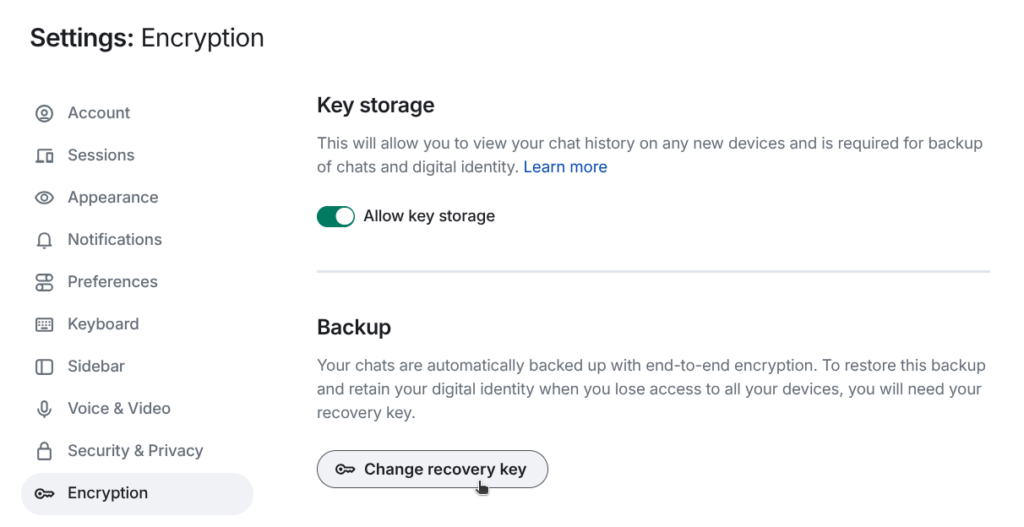
Encryption: set up a security key
Messages encrypts private rooms and direct messages as default. You need a security key to access your encrypted messages on multiple devices or after signing out.
- Click your profile picture in the top left.
- Select Security & Privacy.
- Click Set up Secure Backup under Encryption.
- Choose Generate a Recovery Key and download or copy the key.
- Store the key somewhere outside this device, for example in a password manager.
You will need the key the next time you sign in on a new device or browser.