Mail
Mail
 Messages
 Office
 Notes
Notes
 Meet
Meet



Notifications
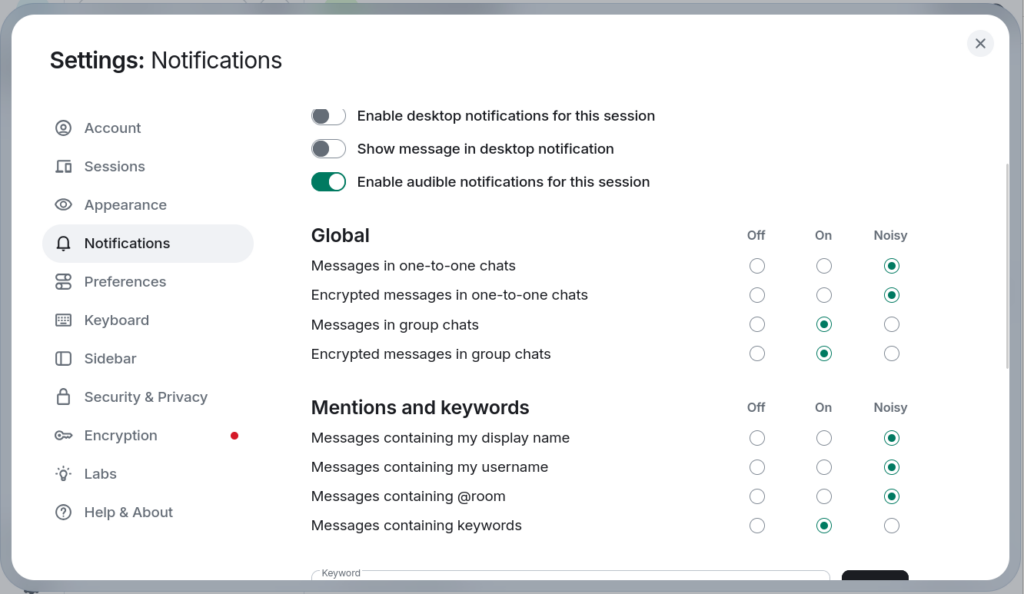
You can control which messages trigger notifications and how they appear, both globally and per room.
Global settings:
- Click your profile picture in the top left.
- Select Settings, then Notifications.
- Enable or disable desktop notifications and sound alerts.
Per-room settings:
- Open the room you want to adjust.
- Click the room name at the top.
- Select Notifications and choose your preferred level.