Mail
Mail
 Messages
 Office
 Notes
Notes
 Meet
Meet



Notifications
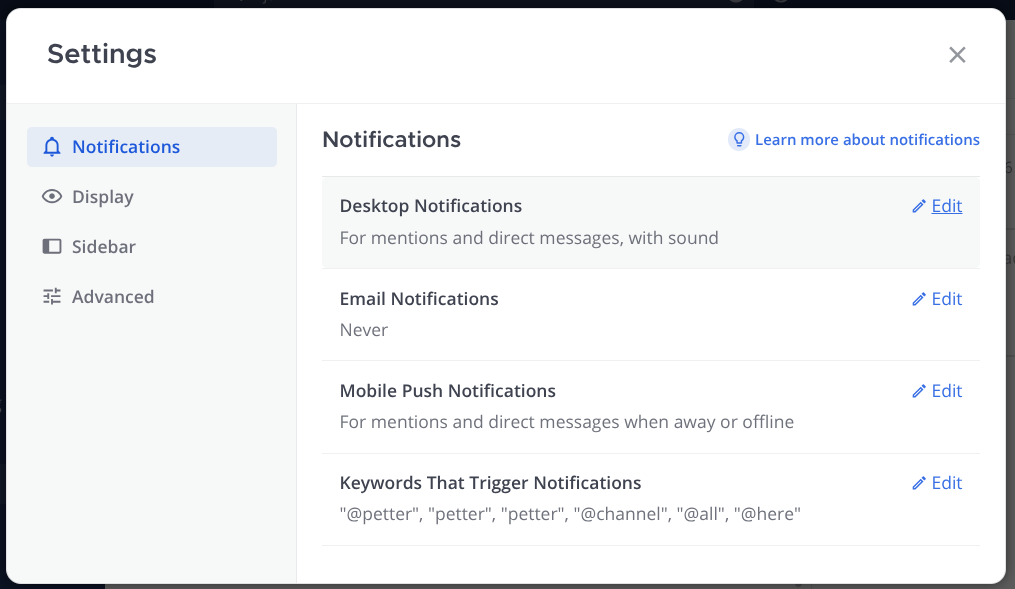
You can customise which notifications you receive and how they are delivered.
- Click your profile photo in the top right and select Settings.
- Choose Notifications.
- Set your preferences:
- Desktop and mobile notifications: choose when to be notified.
- Email notifications: choose whether to receive email when you are offline, and how often.
- Keywords that trigger notifications: enter words that should notify you even without a mention.
Mute a channel:
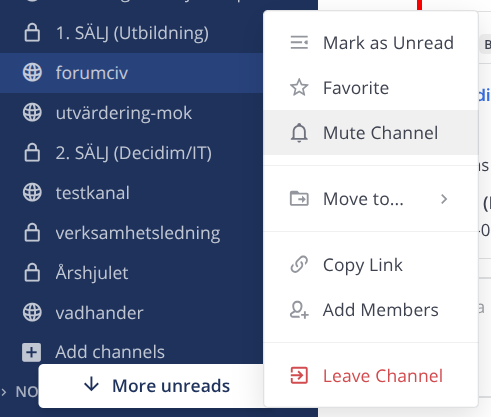
- Click the three-dot menu next to a channel in the left panel.
- Select Mute Channel to pause notifications from that channel.